Boondoggle - Painting By Numbers
Boondoggle
Repo Page, and a sample output.
This is a silly little project that lets you turn images into Excel spreadsheets (though it definitely also works for Google Sheets, and Libre Office), by painting in the backgrounds of cells.
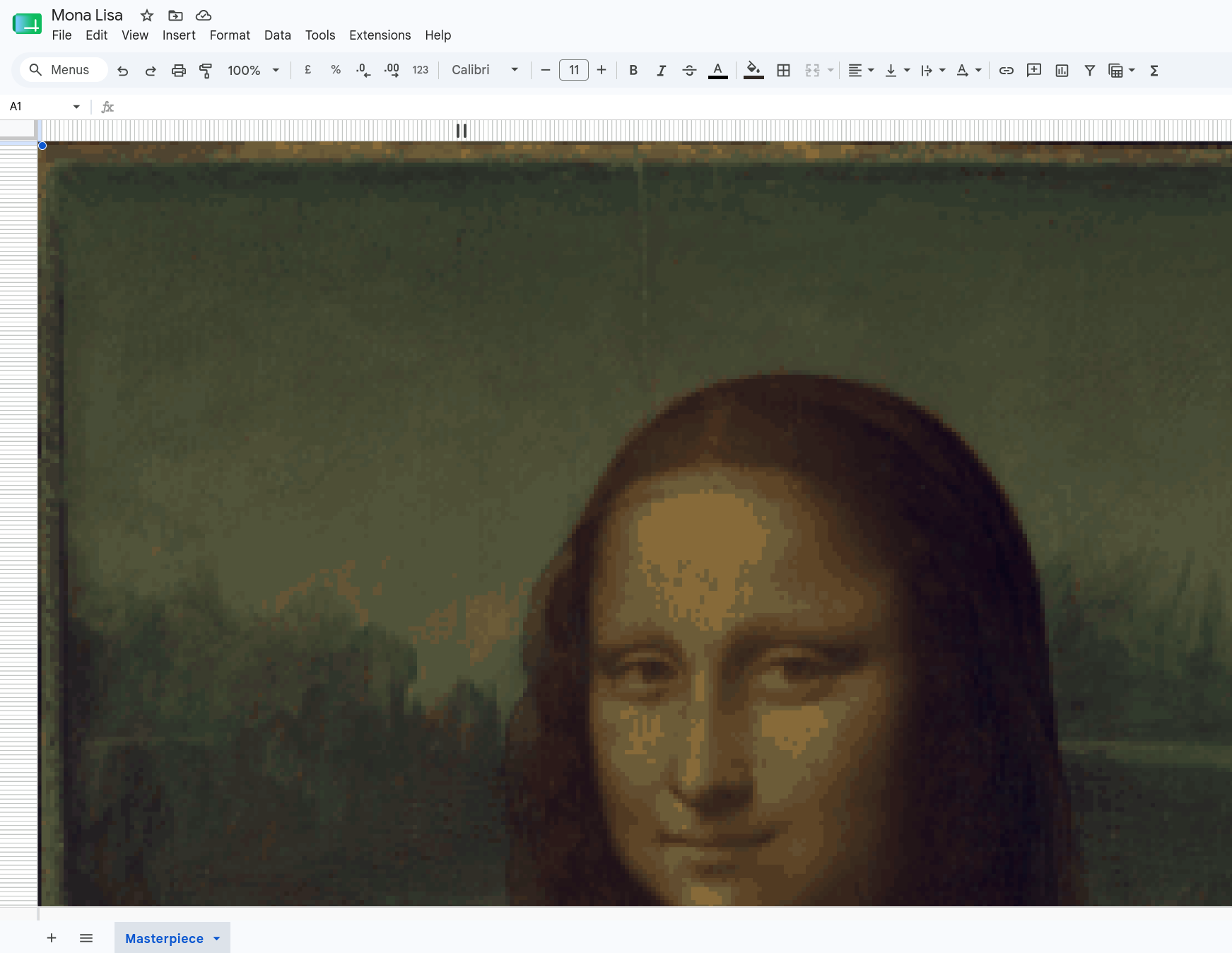
It started out as a learning project for Apache POI (a Java library for handling Microsoft office documents) to get up to speed for a project I was doing for work back in 2018. The fact that POI was originally an initialism for “Poor Obfuscation Implementation” is a wonderful bit of trivia, and from what I understand of the internals of XLSX documents, entirely justified.
The idea itself came together pretty quickly, as POI is pretty straightforwards, for what it does. The project ended up being a bit of a crash-course in image compression - as each cell-style is its own entity in one of the XML files that makes up the XLSX file, the number of colours in an image has a drastic affect on conversion speed, which wound up with some color quantization code that ended up being quite educational.
After looking at it with fresh eyes years on, I decided to see how straight-forwards I could make it, using some more standard Python libraries (mainly xlsxwriter and pillow), and while I do have a certain fondness for the old Java version, I’m impressed with how much cleaner (and more performant around image processing) it is…though that might be the benefit of half a decade of coding speaking. I do find that re-implementations benefit more from understanding the problem space much more than they do from “doing it right” the second time.
Overall, this was a fun little project, and really fits into one of my favourite niches of “really weird software”. If you want to check it out yourself, instructions are in the repo.